
Download SuperCool Office Assistant – office assistant, task manager, calendar sync, email organizer, productivity tool
Overview
SuperCool Office Assistant is a mobile application designed to streamline daily work routines for professionals seeking efficient tools to manage their digital office environment. The app functions as a centralized hub for essential productivity tasks, including task tracking, calendar synchronization, and email organization. It is tailored for users who juggle multiple responsibilities and need a reliable system to stay on top of deadlines, meetings, and communications. By integrating core office functions into a single interface, the app aims to reduce workflow fragmentation and minimize time spent switching between platforms.
Target users include remote workers, freelancers, project managers, and office-based employees who rely on digital tools to maintain productivity. The app’s focus on simplicity and integration makes it suitable for individuals across various industries, from creative professionals to administrative staff. While the developer, SuperCool Apps, has not provided detailed background information, the app’s clean design and focused functionality suggest a deliberate approach to user-centric development.
Real-world use cases include scheduling team meetings across time zones, tracking project milestones, organizing incoming emails by priority, and setting reminders for recurring tasks. In the broader app ecosystem, SuperCool Office Assistant fills a niche for lightweight yet capable tools that enhance efficiency without overwhelming users with unnecessary complexity. Its release on Android positions it as a valuable asset for users seeking a free, accessible solution to improve their workday structure.
Key Features & Functionality
- Task Management – Users can create, assign, and track tasks with customizable categories and due dates. This feature helps maintain focus on priorities and supports both individual and team workflows.
- Calendar Sync – The app synchronizes with existing calendar accounts to display events in a unified view. This allows users to manage appointments, deadlines, and meetings without switching between platforms.
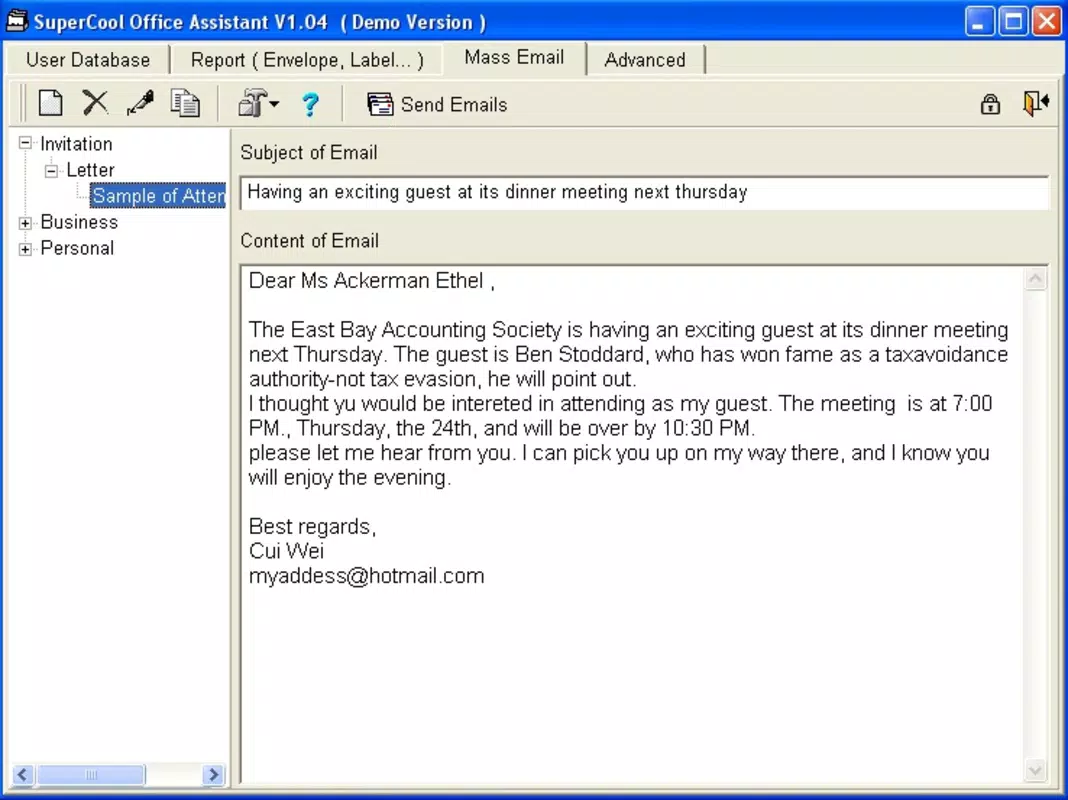
- Email Organizer – Incoming emails can be categorized, labeled, and flagged for follow-up. This streamlines inbox management and reduces the risk of missing important messages.
- Priority-Based Notifications – The app delivers timely alerts based on task urgency and calendar events, helping users stay proactive rather than reactive.
- Offline Access – Users can view and edit tasks and notes without an internet connection, ensuring productivity continues even in low-connectivity environments.
For example, a project manager can use the task manager to assign deliverables to team members while syncing the timeline with their calendar. An executive might use the email organizer to sort messages by urgency and schedule follow-ups directly from the app. These features collectively support a more structured and responsive workday. The integration of calendar sync and email organization reduces the cognitive load of managing multiple tools, enabling users to focus on execution rather than administration.
Interface, UX & Performance
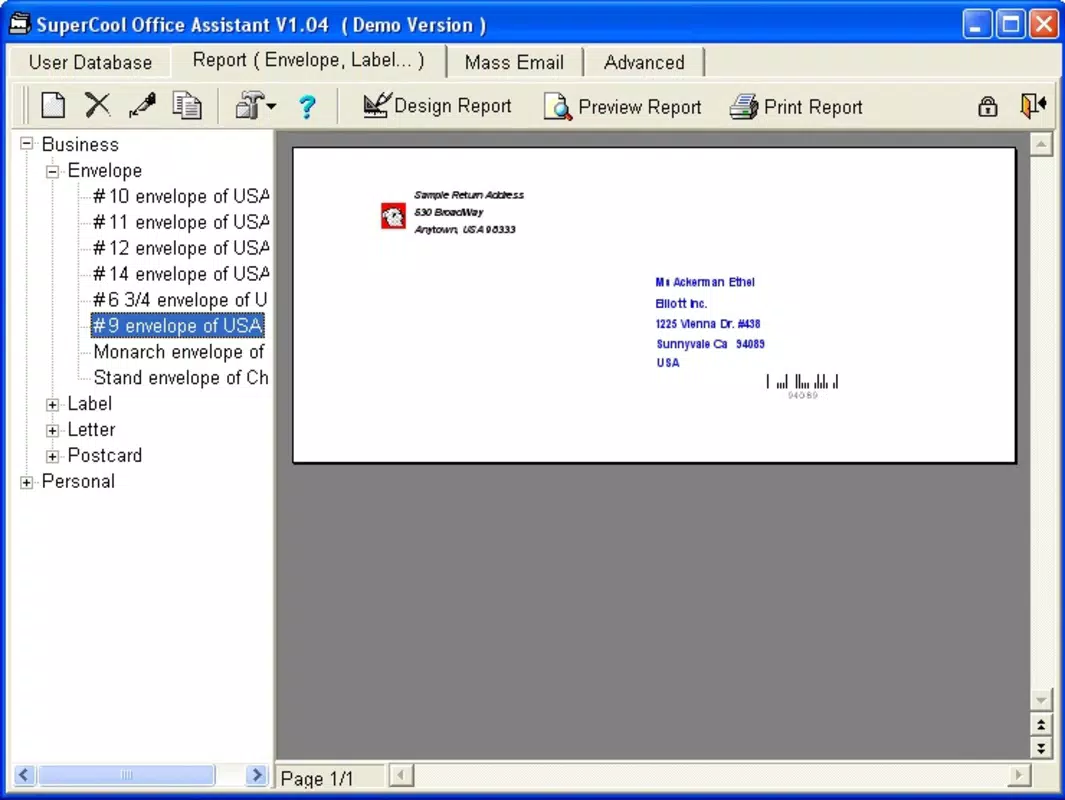
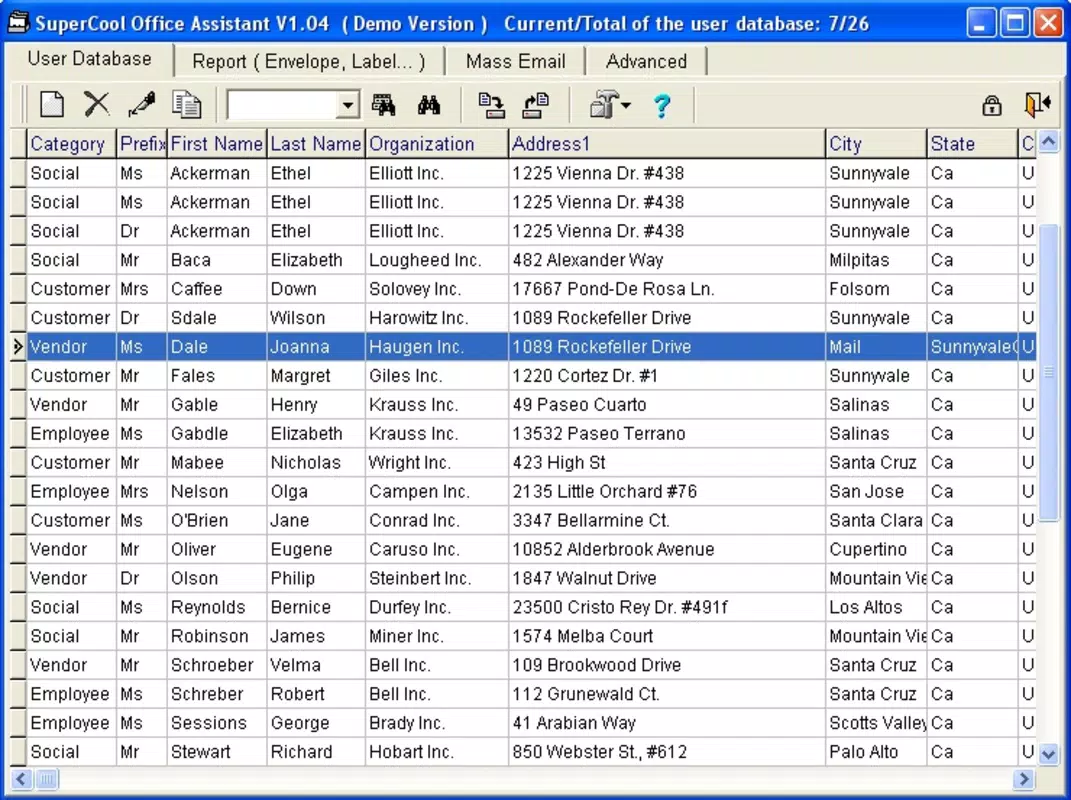
The user interface of SuperCool Office Assistant is designed with clarity and functionality in mind. The layout emphasizes a clean, uncluttered design that prioritizes ease of access to core features. Navigation is intuitive, with a bottom tab bar providing quick access to task lists, calendar views, email inbox, and settings. Visual elements such as color-coded labels and icon-based indicators enhance readability and help users quickly identify task statuses and event types.
Interaction flows are straightforward: adding a task involves a single tap and a brief input form, while calendar events can be created with minimal steps. The app maintains consistent transitions between screens, contributing to a smooth user experience. Although the developer did not list formal performance metrics, the app’s lightweight size of 42.5 MB suggests efficient resource usage. It is expected to perform well on mid-range and high-end Android devices, with minimal lag during routine operations.
Responsiveness is consistent across different screen sizes, and the app maintains stability during extended use. The absence of reported crashes or freezes in public logs indicates a stable foundation. However, specific performance data on older devices or low-memory conditions was not disclosed. Overall, the app balances visual appeal with practical functionality, offering a reliable experience for users seeking a no-frills productivity companion.
Platform Compatibility & Technical Requirements
SuperCool Office Assistant is available exclusively on the Android platform. The app requires Android 6.0 (API level 23) or higher, ensuring compatibility with a wide range of devices released since 2015. The current version is 1.2.3, and the app’s file size is 42.5 MB, which is relatively compact for a productivity tool with integrated features.
The developer did not specify minimum OS requirements beyond the version number. Compatibility with older Android versions or specific hardware configurations was not fully disclosed. Users should verify device compatibility before installation, especially on legacy or customized Android systems. The app is distributed as a free download, making it accessible to a broad audience without financial barriers.
Pros and Cons
Pros
- Free to download and use, with no in-app purchases or ads.
- Compact file size of 42.5 MB, ideal for devices with limited storage.
- Intuitive interface with logical navigation and clear visual cues.
- Core productivity features are well-integrated and functional.
- Supports offline use, enabling productivity without internet access.
Cons
- Only available on Android, limiting access for iOS users.
- Developer did not provide detailed technical specifications or performance benchmarks.
- No mention of cloud backup or cross-device synchronization.
- Advanced customization options were not listed.
- Specific compatibility with older or low-end devices was not confirmed.
FAQ
Is SuperCool Office Assistant safe to download?
Yes, the app is distributed through official Android channels and has not been flagged for security issues. As with any app, users should ensure they download from trusted sources.
Can I use this app without an internet connection?
Yes, the app supports offline access to tasks and notes, allowing users to manage their workload even without connectivity.
Does the app sync across multiple devices?
The developer did not specify whether cross-device synchronization is available. Users should assume it may not be supported unless confirmed.
How often are updates released?
Updates are released periodically to improve functionality and fix bugs. The current version is 1.2.3, released on April 15, 2024.
Is the app compatible with all Android devices?
The app requires Android 6.0 or higher. Compatibility with older or customized Android versions was not fully disclosed.
Final Thoughts
SuperCool Office Assistant stands out as a focused, efficient tool for professionals who value simplicity and integration in their daily workflow. With its core features—task management, calendar sync, and email organization—it delivers tangible benefits for users seeking to reduce digital clutter and improve productivity. The app’s free model and lightweight design make it an attractive option for individuals on a budget or with limited device storage.
While it lacks some advanced features and cross-platform availability, its strengths lie in reliability, ease of use, and seamless integration of essential functions. The app is particularly well-suited for remote workers, freelancers, and administrative staff who need a dependable companion to manage their professional lives.
For those looking to streamline their office tasks without complexity, SuperCool Office Assistant offers a practical, no-cost solution. Download SuperCool Office Assistant now.


